
Do not stop at one result
Create a complete series with yourself: choose a photo set, an AI trend, or a ready-made scenario.
Family photo sets
Home Comfort, Country Life, and Everyday Moments
Holidays, Retro and Creative Effects
Catalog
Merge 2 photos online for free
Use Merge 2 photos directly in your browser. Upload a photo, choose the task, and get a ready result without installing extra software.
What this tool does
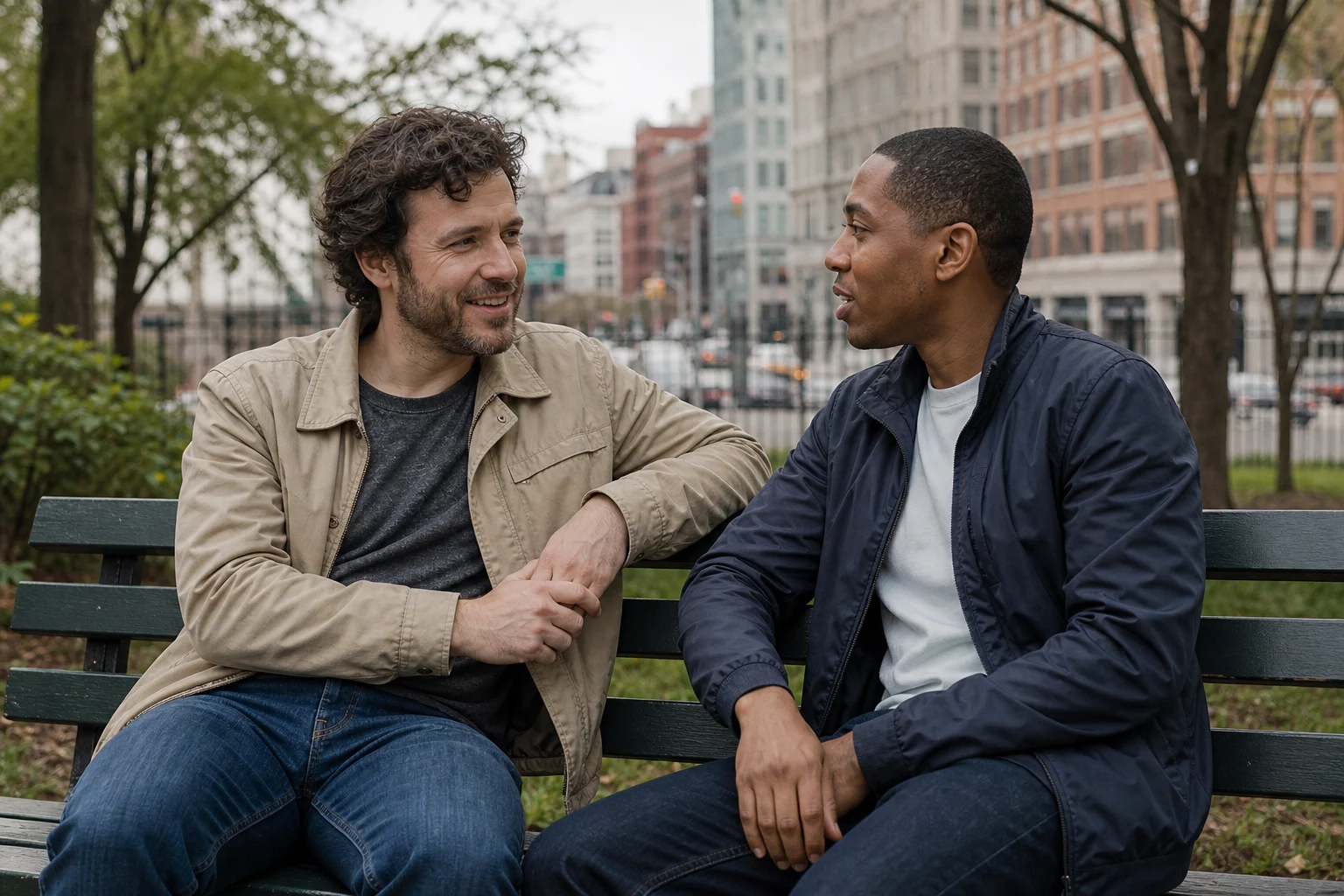
This tool combines people or objects from two to five source photos into one realistic new scene. It is designed for a natural composite, not for a side-by-side collage or a fixed grid.

Useful situations
It is useful when the subjects were photographed separately but should appear together in one believable location, group portrait, product scene, or visual concept.
How to get a good result
Upload photos with clear subjects and describe the shared setting, pose, scale, and lighting. Similar camera angles and image quality make the combined result more coherent.

Check before saving
Check proportions, eye direction, shadows, hands, and contact points between subjects. If something looks unnatural, clarify the relative position of each person or object in the prompt.