Do not stop at one result
Create a complete series with yourself: choose a photo set, an AI trend, or a ready-made scenario.
Fashion, Glamour and Stylish Looks
Women's Fashion & Glamour
Fashion / Vogue / Studio Fashion
Catalog
Change hair color on photo for free
Use Change hair color directly in your browser. Upload a photo, choose the task, and get a ready result without installing extra software.
What this tool does
Preview another hair color on a portrait while keeping the haircut and facial identity as stable as possible. Lighting in the source affects the perceived shade.

Useful situations
Compare natural brown, blonde, red, black, grey, pastel, and vivid colors before choosing references for a salon consultation.
How to get a good result
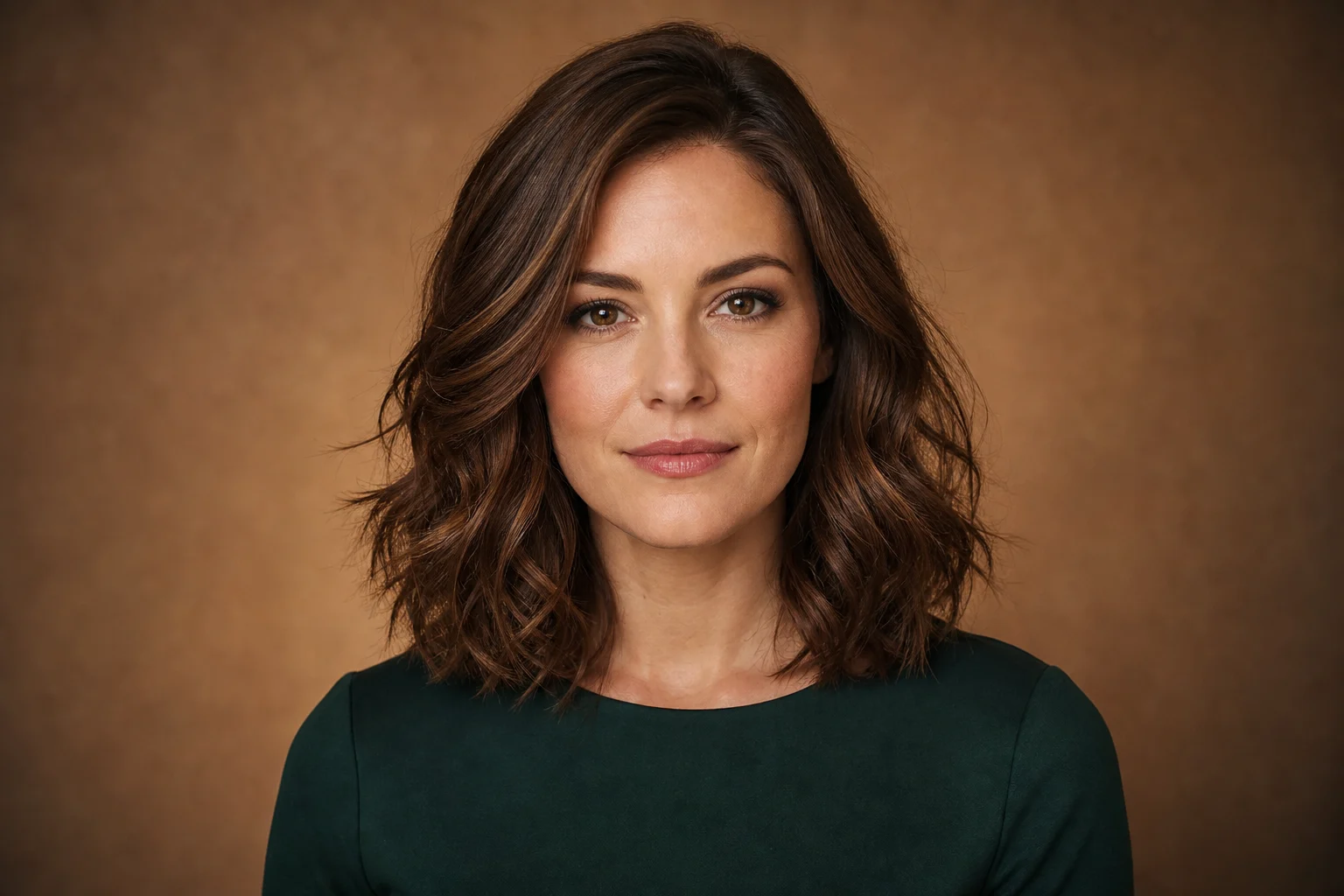
Upload a portrait where the hair is fully visible and name a precise shade, temperature, and intensity. Ask to preserve skin tone, eyebrows, and hairstyle.

Check before saving
Check roots, highlights, shadows, hair edges, and reflected color on the face. Real dye results depend on the starting color and should be discussed with a professional.